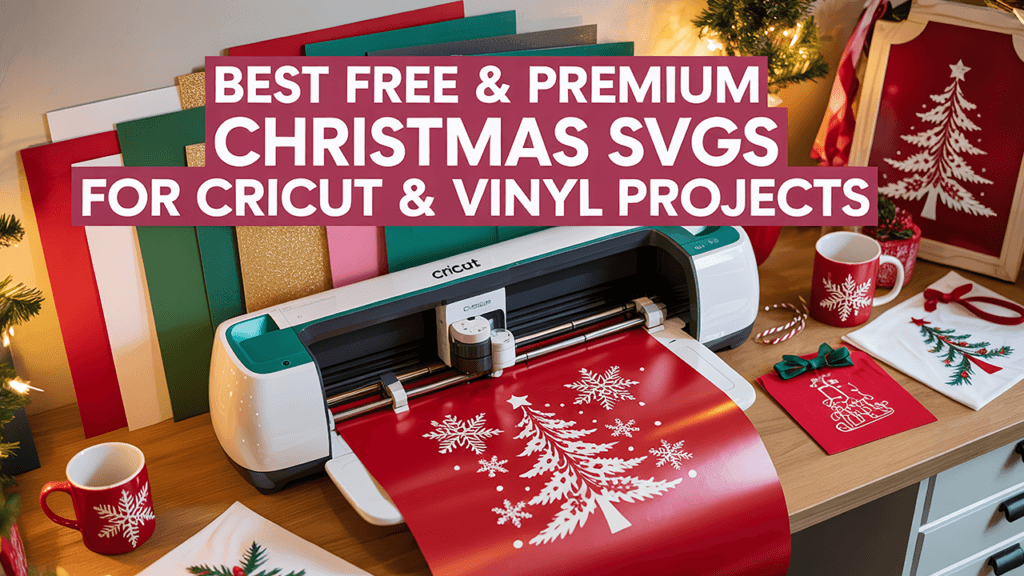
The best easy Cricut projects for beginners are iron-on shirts, tote bags, vinyl decals for mugs and tumblers, cardstock cards and Print Then Cut stickers. Each one uses a single material, one SVG or PNG file and a short list of steps, so you can finish it in an afternoon. Here are 10 beginner projects with the material, file type, difficulty and a matching Wow SVG collection for each.
Key takeaways
- Start with one-color designs on one material before trying layered projects.
- Use the SVG for anything you cut and the PNG for anything you print (stickers, sublimation, DTF).
- Mirror heat transfer vinyl; never mirror adhesive vinyl or print-then-cut sticker paper.
- Always do a small test cut when you use a new material.
- Free designs are a good way to practice before buying.
The 10 Easy Cricut Projects at a Glance
| # | Project | Material | File | Difficulty |
|---|---|---|---|---|
| 1 | Custom t-shirt | Heat transfer vinyl | SVG | Easy |
| 2 | Tote bag | Heat transfer vinyl | SVG | Easy |
| 3 | Mug decal | Permanent adhesive vinyl | SVG | Easy |
| 4 | Tumbler or wine glass decal | Permanent adhesive vinyl | SVG | Easy to medium |
| 5 | Greeting card | Cardstock | SVG | Easy |
| 6 | Stickers | Printable sticker paper | PNG | Easy |
| 7 | Baby bodysuit | Heat transfer vinyl | SVG | Easy |
| 8 | Christmas ornament | Permanent adhesive vinyl on a blank | SVG | Medium |
| 9 | Framed wall art | Adhesive vinyl or layered cardstock | SVG | Medium |
| 10 | Laptop or water bottle decal | Permanent adhesive vinyl | SVG | Easy |
Iron-On Projects (1, 2 and 7)
1. Custom t-shirt
A one-color shirt is the classic first Cricut project with SVG files. Mirror the design, cut heat transfer vinyl shiny side down, weed, and press using the Cricut Heat Guide or your vinyl maker’s settings. Bold sayings from the Funny Quotes SVG collection are easy to weed. The full process is in how to make custom t-shirts with SVG files and Cricut.
2. Tote bag
Canvas totes take iron-on vinyl the same way shirts do and make quick gifts. Pick a short quote or a simple animal from the Animal SVG collection, and keep the design inside the flat area of the bag.
7. Baby bodysuit
Baby clothes need small designs, so choose ones with thick letters. The Family SVG collection has designs for parents, grandparents and siblings that also make good baby shower gifts.
Adhesive Vinyl Projects (3, 4, 8 and 10)
3. Mug decal
Apply permanent adhesive vinyl to a ceramic mug with transfer tape. Do not mirror it. Vinyl-decorated mugs should be hand washed. If you have a Cricut Mug Press, that tool uses Infusible Ink or sublimation on compatible mug blanks instead of vinyl.
4. Tumbler or wine glass decal
Curved surfaces are easier with smaller designs. Cut a little slit in larger decals so they lie flat. Short food and drink sayings from the Drinks and Food SVG collection fit well.
8. Christmas ornament
Flat acrylic or wood ornament blanks and permanent vinyl make simple keepsakes. Measure the blank first, then size the design to fit. The Christmas SVG collection includes a few free tree and ornament designs that are good for practice.
10. Laptop or water bottle decal
A decal is the quickest project of all: cut, weed, add transfer tape and apply to a clean, dry surface. Trending themes and hobbies make popular decals.
Paper and Print Projects (5, 6 and 9)
5. Greeting card
Cut the SVG from cardstock and glue it to a folded card base, or use a pen to draw text. Choose the cardstock material setting in Design Space so the blade cuts cleanly. Birthday SVG designs are a natural fit.
6. Stickers
Upload the PNG, set it to Print Then Cut, print on sticker paper with a home inkjet printer, and let the Cricut cut around each sticker. Do not mirror. Full-color designs work best.
9. Framed wall art
Cut adhesive vinyl and apply it to the glass of a frame, or layer two or three colors of cardstock inside the frame for a 3D look. Family names and quotes make good home decor.
Tips for Your First Easy Cricut Projects
- Test cut first. Cut a small shape on the corner of the material to confirm the setting before cutting the full design.
- Add a weeding box. A rectangle around the design makes weeding faster and saves vinyl.
- Check the file type. Designs whose title ends in “PNG” are for printing only.
- Size before you cut. See how to resize and edit SVG files in Cricut Design Space for common project sizes.
Wow SVG designs are mostly $2.50 each, and standard designs include SVG, PNG, EPS and DXF, so one purchase covers both cutting and printing projects.
Designs to practice with
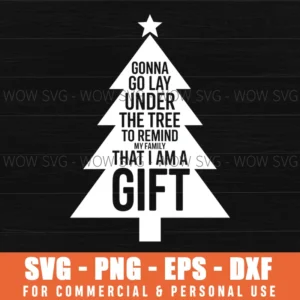
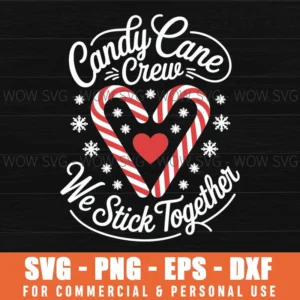
Want to try these steps on a real file? These designs from our shop are simple to cut and weed, and each one includes SVG, PNG, EPS and DXF files.
Frequently Asked Questions
What are the easiest Cricut projects for a beginner?
A one-color iron-on t-shirt or a simple adhesive vinyl decal is the easiest. Both use one material, one SVG file and a few steps.
Do I use the SVG or the PNG file?
Use the SVG for anything you cut, such as vinyl and cardstock. Use the PNG for anything you print, such as stickers, sublimation and DTF transfers.
Which Cricut projects need mirroring?
Only heat transfer vinyl (iron-on) needs to be mirrored. Adhesive vinyl, cardstock and Print Then Cut stickers should not be mirrored.
Can I sell the projects I make?
Yes. Wow SVG designs include personal and commercial use for finished products. Sharing or reselling the digital files is not allowed.