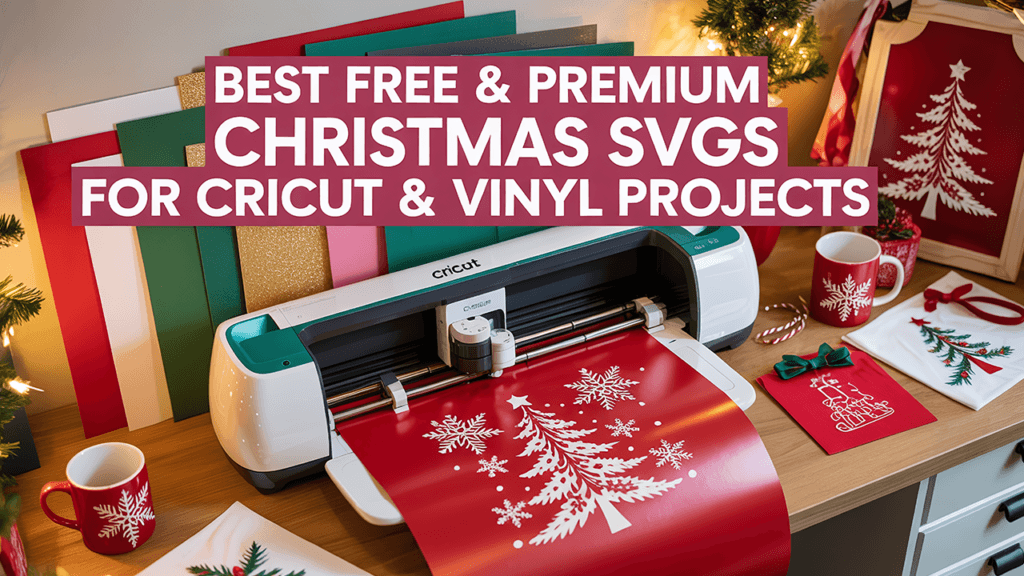
Short answer: you can find free SVG files for Cricut in the free sections of design shops, inside Cricut Design Space, and on designer blogs. At WOW SVG, the Free SVG Files category has more than 500 free designs that you can download without paying, and commercial use of the finished products is included. Before you cut any free file, check its license, its format and how it is layered. This guide explains each point.
Where can I download free SVG files for Cricut?
1. The free section of a design shop
Many SVG shops keep a free category next to their paid designs. On WOW SVG, the Free SVG Files category has more than 500 designs: animals, quotes, holidays, seasonal and everyday designs. Most free designs come with the same files as paid ones (SVG, PNG, EPS and DXF), and the product page lists exactly which files are included.
To get a free design on WOW SVG:
- Open the design and click Download for free (no payment is required).
- Go to checkout from your cart.
- Enter your name and email so the design can be sent to you. You can tick “Create an account” to find your downloads again later.
- Click Place Order and download the files.
A few free designs to start with:
- Tired As A Mother
- Chaos Coordinator
- Teaching Is A Work Of Heart
- Highland Cow
- Horse
- Butterfly
- Monster Truck
- Music Notes
- Spider Web
- Christmas Flower Set
- He Is Risen
2. Cricut Design Space
Cricut Design Space includes a selection of free images and fonts, and it also lets you upload your own SVG, DXF and PNG files. If you already have a design from another source, our guide on how to upload an SVG to Cricut Design Space walks you through it.
3. Designer blogs and newsletters
Independent designers often share freebies on their blogs or with their email subscribers. These can be great, but the license varies a lot from one designer to another, so read it before you use the design on anything you sell.
Can I use free SVG files for commercial projects?
It depends on the license of each site, so always check it. At WOW SVG, personal and commercial use of finished products (shirts, mugs, tumblers, stickers, signs and print-on-demand items) is included with every design, free or paid, at no extra cost. What is not allowed is reselling, sharing or redistributing the digital files themselves. The full rules are in our Terms of Use.
One more point: a license from a design site does not cover trademarks. Avoid selling products that use brand logos, team logos or copyrighted characters unless you have permission from the owner.
What should I check before cutting a free SVG?
- The format. Cricut Design Space works with SVG, DXF and PNG files. The free Basic Edition of Silhouette Studio does not open SVG files, so Silhouette users on that edition should use the DXF file.
- The file itself. A design download should be an SVG, PNG, DXF or EPS file, or a ZIP folder containing them. Never open a file ending in .exe or another program file that claims to be a design.
- Layers and grouping. After uploading, check that the layers are grouped the way you want and that small pieces are attached. Use Attach or Weld in Design Space when a word or shape must be cut in one piece.
- Size and fine details. Very thin lines and tiny letters are hard to weed in vinyl. Resize the design to its final size before you judge it. Our guide on resizing and editing SVG files can help.
- A test cut. Cut a small piece of scrap material first to check your blade, pressure and material setting.
If something looks wrong after upload, see how to troubleshoot SVG files in Cricut Design Space.
Free or paid SVG files: which should I choose?
Free designs are a good way to try a style, practice weeding or make a quick personal project. When you need a specific theme, saying or occasion that is not in the free section, a paid design is often faster than searching for hours. Most designs at WOW SVG cost $2.50 each and are instant downloads, and you can request a custom design if you cannot find what you need.
Quick answers
Are free SVG files really free?
On WOW SVG, yes: free designs cost $0.00 and you only enter your name and email at checkout to receive them.
Do free SVG files work with Silhouette and laser cutters?
Yes, when the right file is included. Use the DXF file for Silhouette Studio Basic Edition, and the SVG or DXF file for most laser software.
Can I sell shirts made with a free WOW SVG design?
Yes. Commercial use of finished products is included with every design. You just cannot sell or share the digital file itself.
Where can I get help with a download?
Read how to buy and download or the FAQ, or email support@wowsvg.com.