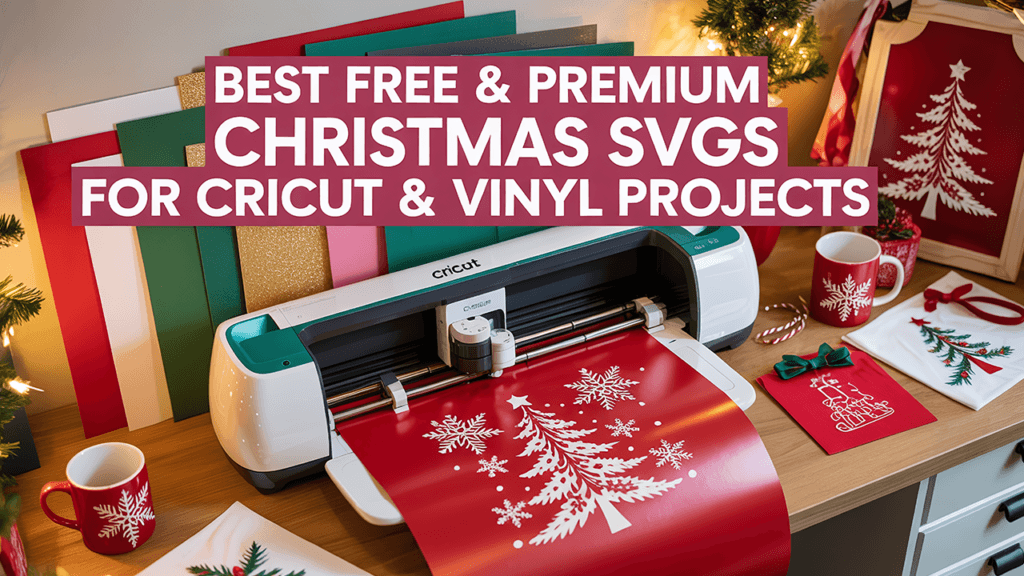
Matching Christmas shirts are one of the easiest group projects you can make with a Cricut or Silhouette: one design, a few sizes, and everyone from the kids to the office team shows up coordinated. This guide collects Christmas crew designs for families, friends and coworkers, with tips to cut and press a full set without stress.
Key takeaways
- Pick one design and change only the size or the vinyl color for each person.
- SVG files are best for vinyl cutting; PNG files are for sublimation, DTF or print-then-cut.
- Most designs at WOW SVG cost $2.50, download instantly, and commercial use of finished products is included.
Christmas Crew Designs for the Whole Family
A crew design works because it fits everyone: parents, grandparents, cousins and kids. Start with these:
- Christmas Crew Making Memories Together SVG: a classic family crew shirt for photos and Christmas morning.
- Candy Cane Crew SVG: bold red lettering that reads well even on small kids’ shirts.
- Candy Cane Crew We Stick Together SVG: a script version with a heart, nice for a softer look.
- Candy Cane Heart SVG: a simple candy cane heart for sleeves, pockets or baby onesies.
Funny Family Christmas Shirts
If your family photo is more chaos than calm, lean into it:
- Forced Family Fun SVG: the honest shirt for every holiday gathering.
- Here For The Forced Family Fun PNG: an ugly sweater version for sublimation or DTF.
- Most Likely To Call Santa Bruh SVG: a fun start for a “most likely to” family set.
- Most Likely To Start All The Shenanigans PNG: pairs well with the one above for siblings or cousins.
Tip: “most likely to” sets work best when every shirt uses the same font and layout. Keep the phrase at the same width on every shirt, so the group looks planned in photos.
Office and Team Christmas Shirts
For an office party, a team photo or a work Secret Santa, these keep things fun and safe for work:
- Our Team Sleighs SVG: reindeer and a team pun, made for office parties.
- Our Team Sleighs PNG: the ugly sweater version of the same idea.
- Dumpster Fire Response Team PNG: for the team that kept things running all year.
- Dental Crew SVG: a Christmas shirt for dental offices.
- Cookie Baking Crew SVG: perfect on aprons for a cookie-decorating day.
How to Make a Matching Set with Your Cricut
- Measure first. Common widths are about 10 to 11 inches for adult shirts, 8 to 9 inches for youth, and 5 to 6 inches for toddlers. Measure each shirt flat and adjust.
- Resize, don’t rebuild. Upload the SVG once, duplicate it for each size, and keep everything attached so letters don’t scatter.
- Cut all sizes on one mat. Group the copies on the same color of heat transfer vinyl to save material. Remember to mirror the design for HTV.
- Weed small details carefully. Script fonts and thin lines are easier to weed on bigger sizes; for kids’ shirts, choose bolder designs.
- Press with the right settings. Follow your vinyl brand’s time and temperature, and wait the recommended time before washing.
SVG or PNG: Which File Do You Need?
Use the SVG (or DXF for Silhouette Studio Basic) to cut vinyl. Use the PNG for sublimation, DTF transfers, or Cricut print-then-cut. Each product page lists the files included; some designs are PNG only, so check the product page before you buy if you plan to cut vinyl.
Find More Christmas Designs
Browse the full Christmas SVG collection, see our guide to free and premium Christmas SVG files, or start with the free SVG designs. Need a custom name or family design? Email support@wowsvg.com for a custom order.
Want something sillier? Browse our funny Christmas shirt SVG ideas for sarcastic, naughty list and office party designs.
Frequently Asked Questions
Can I sell matching Christmas shirts made with these designs?
Yes. Commercial use of finished products, such as shirts, sweatshirts and aprons, is included with every design. You can’t resell or share the digital files themselves.
What size should a Christmas crew design be on a kids’ shirt?
Around 8 to 9 inches wide for youth sizes and 5 to 6 inches for toddlers works well. Measure the shirt flat and leave a little space from the seams.
Can I use these designs with Silhouette?
Yes. Silhouette Studio Designer Edition opens SVG files. The free Basic Edition doesn’t, so use the DXF file when it is included.