1. What Makes a Good SVG File?
When using **Cricut** or other cutting machines, it’s important to choose **well-optimized SVG files** for smooth cutting and precise designs. Look for SVGs that have:
- ✅ **Clean lines and sharp edges** for precise cuts.
- ✅ **Layered designs** for multi-color projects.
- ✅ **Minimal anchor points** to avoid slow processing.
- ✅ **Scalability** so the design looks great at any size.
💡 Explore our high-quality SVG collection for perfect cuts every time!
2. Types of SVG Files for Different Projects
Not all SVG files work the same way. Choose your SVG based on your **crafting project type**:
- 👕 **T-Shirt Designs** – Use bold, clean-cut SVGs from our T-Shirt SVG Collection.
- ☕ **Mugs & Tumblers** – Choose compact SVGs with **simple details** to fit small surfaces.
- 🏡 **Wall Art & Home Decor** – Go for intricate, multi-layered SVGs.
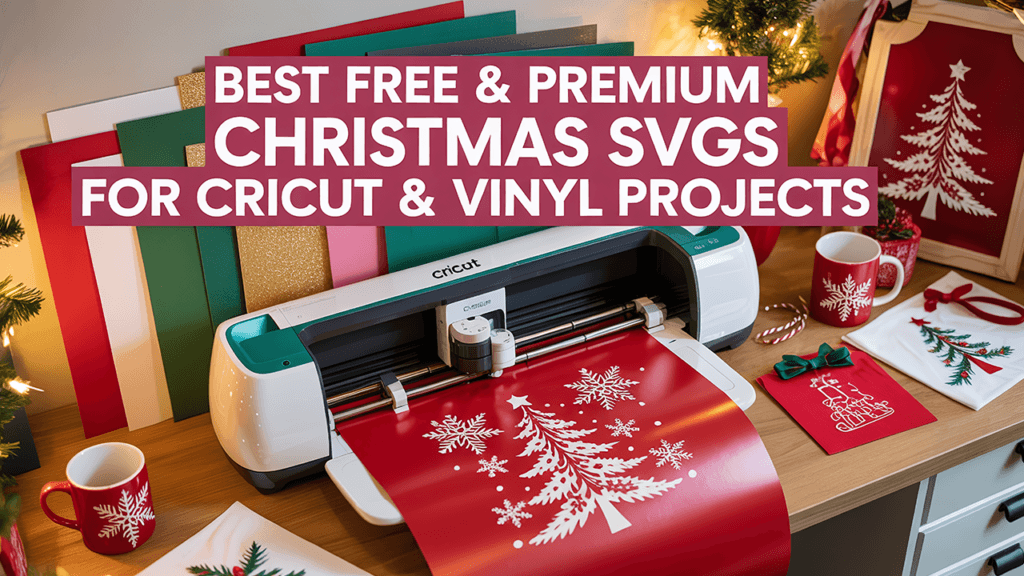
- 🎁 **Holiday Crafts** – Get themed designs from our Christmas SVGs or Halloween SVGs.
3. How to Identify High-Quality SVG Files
Before downloading or purchasing an SVG file, check the following:
- 🔹 **Preview the file** – Ensure it looks clean and detailed.
- 🔹 **Check file layers** – Look for well-organized layers.
- 🔹 **Avoid pixelated designs** – A proper SVG should never be blurry.
🎨 Browse our Trending SVGs for high-quality designs!
4. Where to Find the Best SVG Files
For high-quality **Cricut-ready SVG files**, look for trusted sources that provide well-designed files.
- 🔥 Free SVG Files – Perfect for testing new projects.
- 🛍️ Premium SVGs – High-quality designs optimized for vinyl cutting.
- 🎁 SVG Bundles – Get multiple designs at a great price.
5. Start Your Next Cricut Project with WowSVG!
Now that you know how to pick the best **SVG files for Cricut**, it’s time to create amazing projects! Explore our collections and find designs perfect for your next craft.
💡 Need help with conversions? Try our SVG Converter to convert files effortlessly.