
Redbubble vs Etsy: Which Is Better for Selling SVGs and POD Products?
If you make your own SVG designs, Etsy lets you sell the files and printed products; Redbubble only sells prints of your art. Here is how to choose.

If you make your own SVG designs, Etsy lets you sell the files and printed products; Redbubble only sells prints of your art. Here is how to choose.
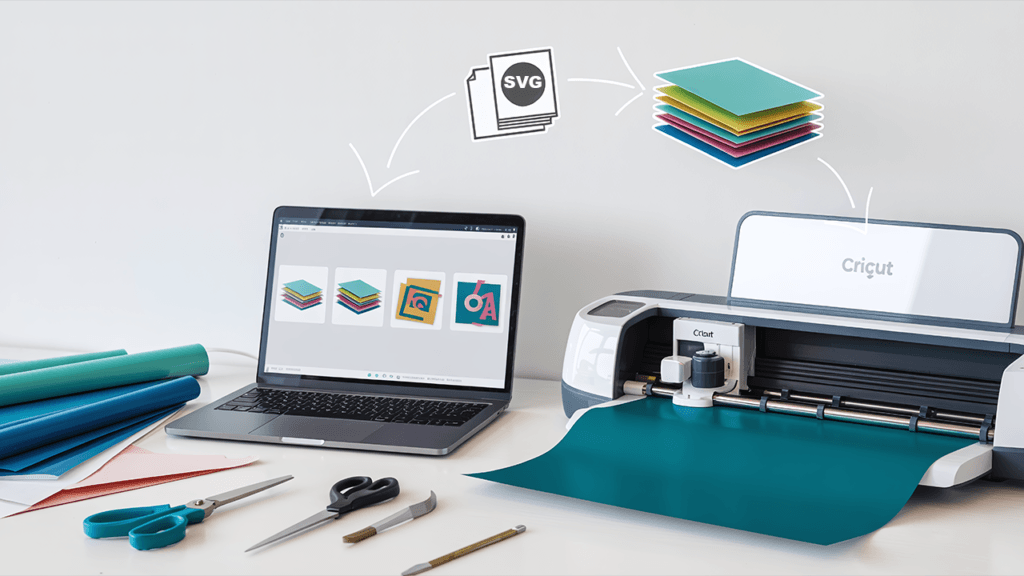
Unzip your download, then pick the right file: SVG, DXF, PNG or EPS for Cricut, Silhouette, ScanNCut, lasers, sublimation and DTF.
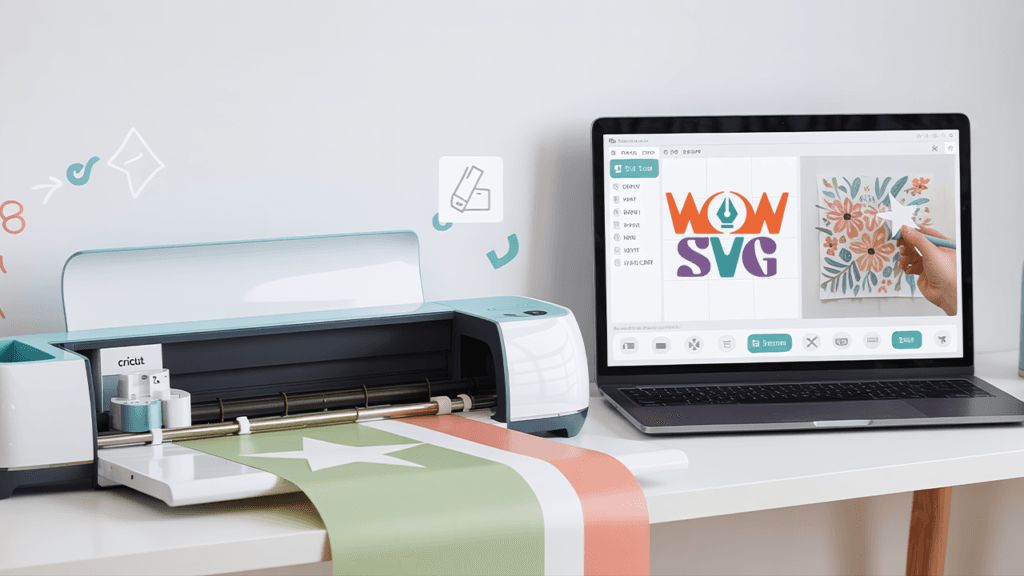
Exact steps to upload SVG files to Cricut Design Space on desktop and the mobile app, plus quick fixes for failed uploads.
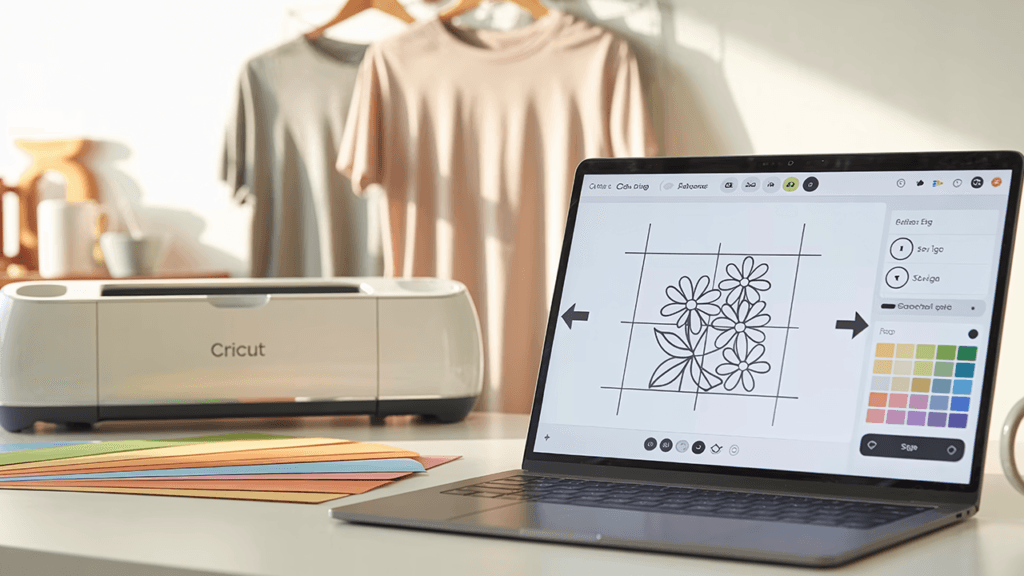
Resize SVG designs without distortion, see typical sizes for shirts, tumblers, mugs and decals, and make simple edits in Design Space.
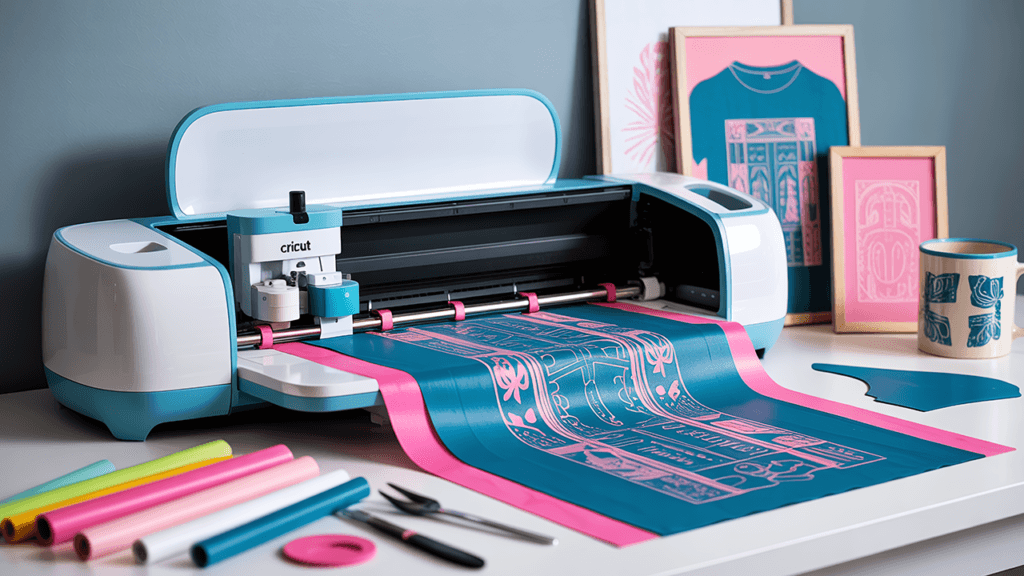
A quick buying checklist for SVG cut files: clean paths, detail size, layers, formats, license and the red flags to avoid.
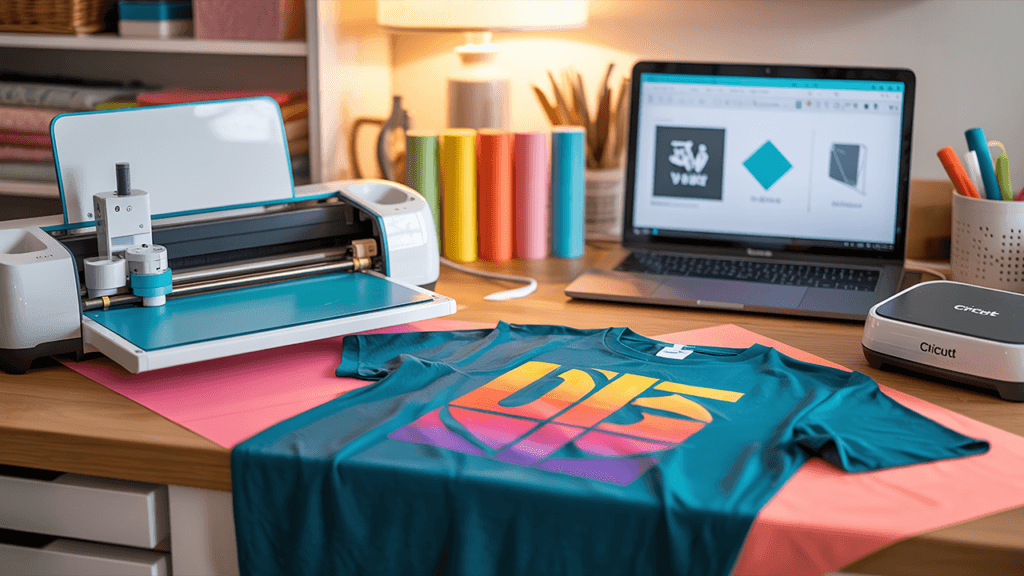
An HTV shirt from start to finish: sizing, mirroring, cutting, weeding, pressing, layering and care, plus sublimation and DTF options.
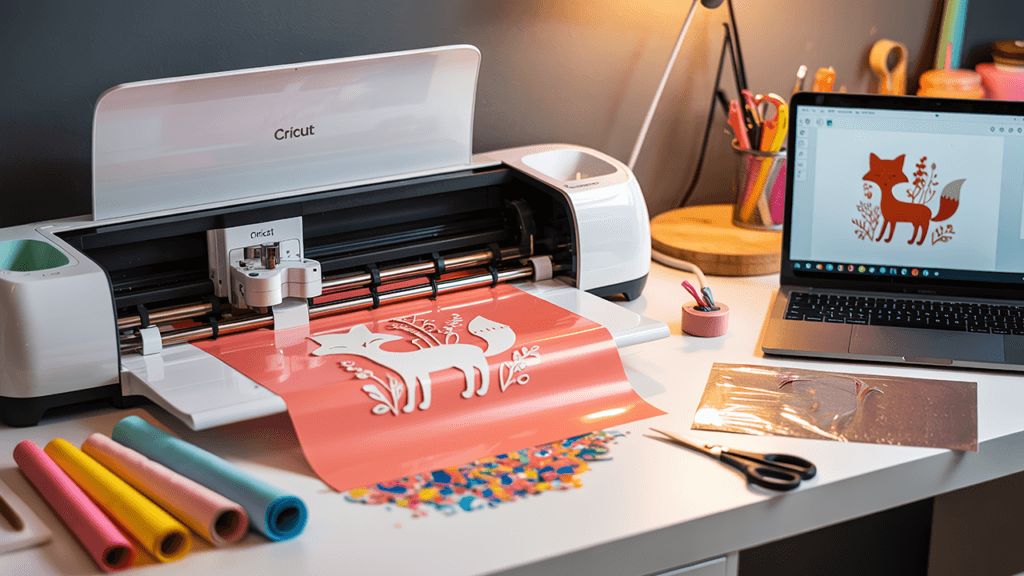
The cutting workflow for vinyl, iron-on and cardstock: settings, mats, blades, test cuts, weeding and transfer tape.
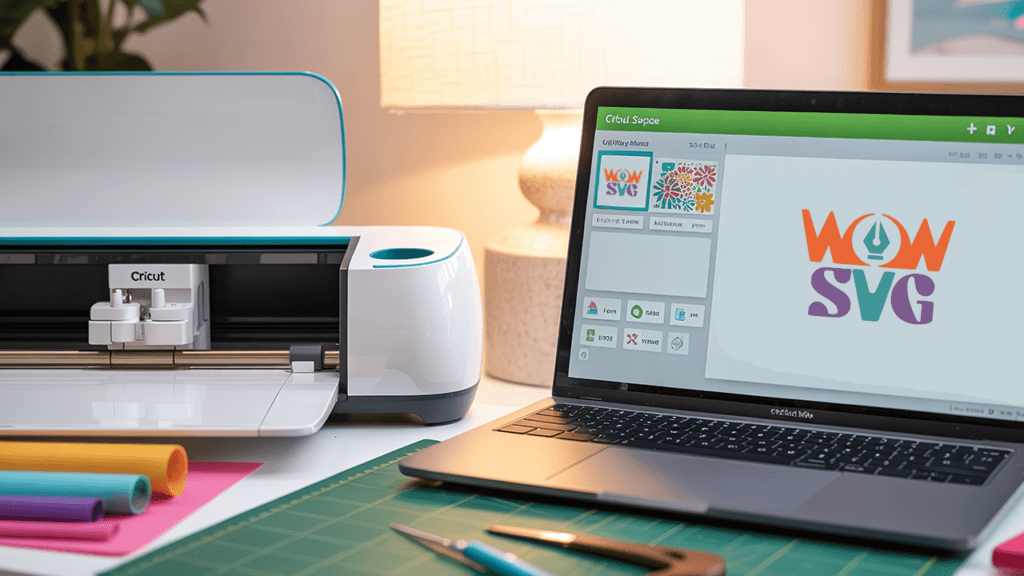
What to do after uploading: Ungroup, Attach, Weld, Slice, Contour, operation types, Color Sync and the final Make It check.
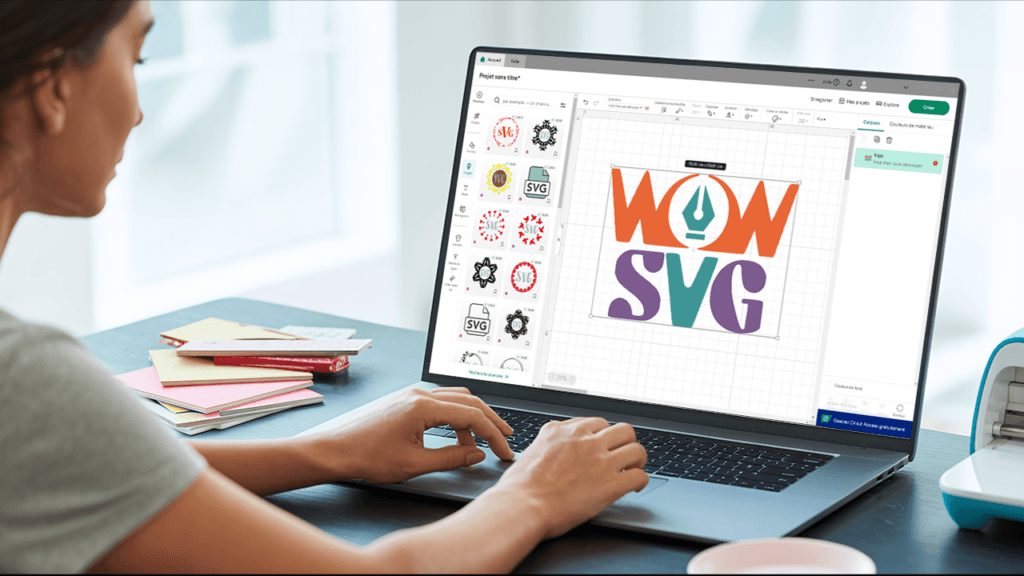
Fixes for the most common SVG problems in Cricut Design Space, from zipped files and blank designs to layers cutting out of place.
An SVG file is a vector image that stays sharp at any size. Learn why it suits Cricut and how it compares with PNG, DXF and EPS.