
Flamingo SVG Files
Bring a tropical touch to your next crafting project with our collection of Flamingo SVG files. Designed for Cricut, Silhouette, Brother ScanNCut, Glowforge, and other popular cutting machines, these digital designs are perfect for creating custom apparel, beach-themed décor, tumblers, decals, stickers, and personalized gifts.
Inside this collection, you'll find a variety of tropical bird graphics, monogram frames, layered artwork, vacation-inspired illustrations, and playful summer designs. Every download is available in multiple formats, including SVG, PNG, DXF, and EPS, making it easy to use with both cutting and design software.
Whether you're creating a custom t-shirt, decorating a beach tote, producing sublimation products, or making handmade gifts, browse our tropical design collection below to find the perfect file for your next project.
Showing 1–23 of 28 resultsSorted by latest
- Sale!
 Bowling SVG Files for Cricut, Shirts & Creative Projects
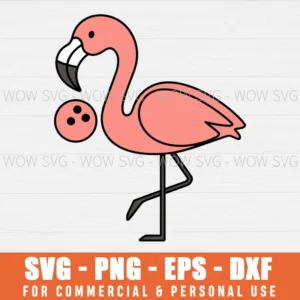
Flamingo Bowling Svg
Original price was: $4.99.$2.50Current price is: $2.50. - Sale!Bowling SVG Files for Cricut, Shirts & Creative Projects
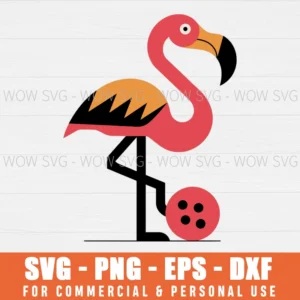
Flamingo Bowling Svg Pin Bowl Bowler Svg
Original price was: $4.99.$2.50Current price is: $2.50. - Sale!Flamingo SVG Files
Spring Break Flamingo Summer Beach Vacation Svg
Original price was: $4.99.$2.50Current price is: $2.50. - Sale!Flamingo SVG Files
Flamingo Spring Break Svg
Original price was: $4.99.$2.50Current price is: $2.50. - Sale!Flamingo SVG Files
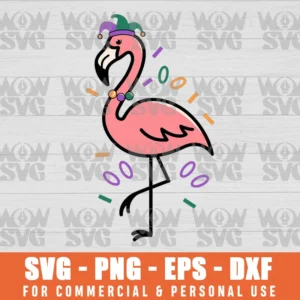
Mardi Gras Flamingo Celebrate Svg
Original price was: $4.99.$2.50Current price is: $2.50. - Sale!Flamingo SVG Files
Cute Mardi Gras Flamingo Svg
Original price was: $4.99.$2.50Current price is: $2.50. - Sale!Flamingo SVG Files
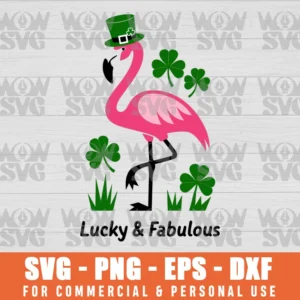
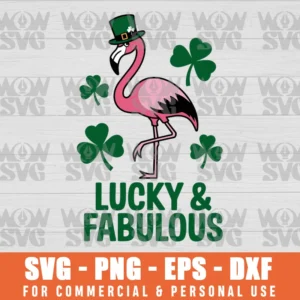
Saint Patricks Day Flamingo Lucky And Fabulous Svg
Original price was: $4.99.$2.50Current price is: $2.50. - Sale!Flamingo SVG Files
St Patricks Day Flamingo Lucky And Fabulous Svg
Original price was: $4.99.$2.50Current price is: $2.50. - Sale!Flamingo SVG Files
Halloween Funny Flamingoween Svg
Original price was: $4.99.$2.50Current price is: $2.50. - Sale!Flamingo SVG Files
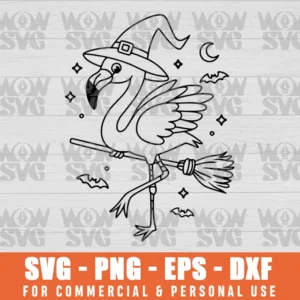
Flamingo Witch Broom Funny Halloween Svg
Original price was: $4.99.$2.50Current price is: $2.50. - Sale!Flamingo SVG Files
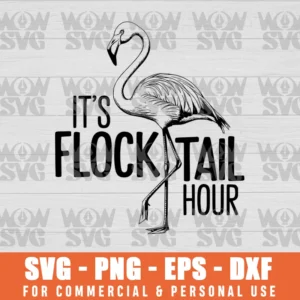
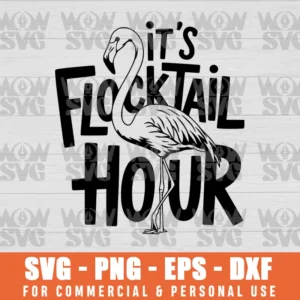
Flock-Tail Hour Svg Flamingo
Original price was: $4.99.$2.50Current price is: $2.50. - Sale!
- Sale!Flamingo SVG Files
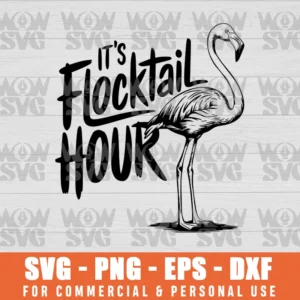
Time For Flock Tails! Flamingo Svg Graphic
Original price was: $4.99.$2.50Current price is: $2.50. - Sale!Flamingo SVG Files
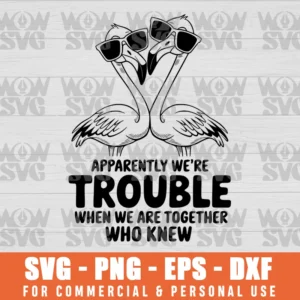
Apparently We Are Trouble When We Are Together Who Knew
Original price was: $4.99.$2.50Current price is: $2.50. - Sale!Flamingo SVG Files
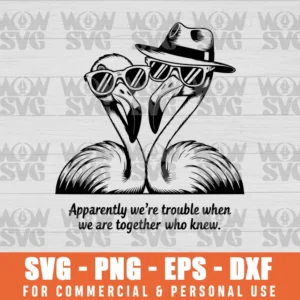
Apparently We Are Trouble When We Were Together Who Knew Svg
Original price was: $4.99.$2.50Current price is: $2.50. - Sale!Flamingo SVG Files
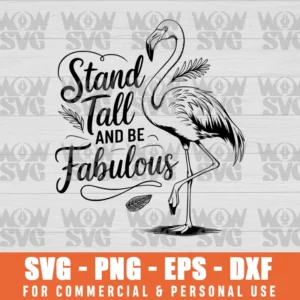
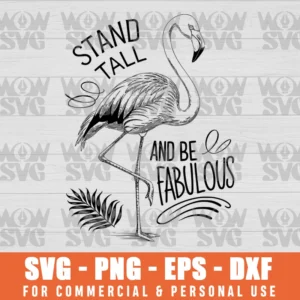
Stand Tall And Be Fabulous Flamingo Graphic
Original price was: $4.99.$2.50Current price is: $2.50. - Sale!Flamingo SVG Files
Stand Tall &Amp; Be Fabulous Flamingo
Original price was: $4.99.$2.50Current price is: $2.50. - Sale!Flamingo SVG Files
Stand Tall And Be Fabulous. File For Silhouette Cricut Svg
Original price was: $4.99.$2.50Current price is: $2.50. - Sale!Flamingo SVG Files
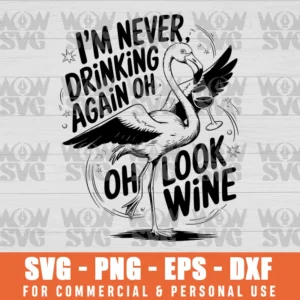
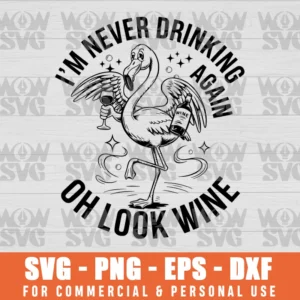
Funny I Am Never Drinking Again Oh Look Svg
Original price was: $4.99.$2.50Current price is: $2.50. - Sale!Flamingo SVG Files
Flamingo I’M Never Drinking Again Oh Look Wine Funny Svg
Original price was: $4.99.$2.50Current price is: $2.50. - Sale!Flamingo SVG Files
Strong Be The Flamingo In A Flock Of Svg
Original price was: $4.99.$2.50Current price is: $2.50. - Sale!Flamingo SVG Files
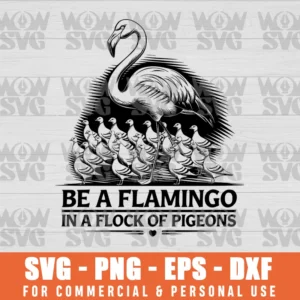
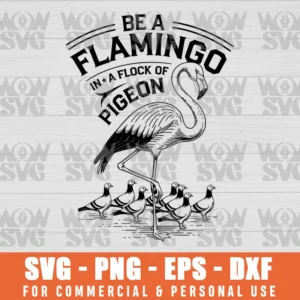
Be A Flamingo In A Flock Of Pigeons Svg Cut File
Original price was: $4.99.$2.50Current price is: $2.50. - Sale!Flamingo SVG Files
Illustrations Be A Flamingo In A Flock Of Pigeons Svg
Original price was: $4.99.$2.50Current price is: $2.50.





What Is a Flamingo SVG?
A Flamingo SVG is a scalable vector graphic featuring a flamingo-themed design that can be used with electronic cutting machines and graphic design software. Unlike JPG images, vector files can be resized without losing quality, making them ideal for vinyl cutting, cardstock projects, heat transfer vinyl applications, laser engraving, and sublimation printing.
These digital files are commonly used in Cricut Design Space, Silhouette Studio, Adobe Illustrator, and other vector-editing programs. Depending on the design, they may include simple outlines, layered artwork, tropical elements, monogram frames, or detailed illustrations suitable for both personal and commercial crafting projects.
Design Styles You'll Find in This Collection
Not every crafter is looking for the same type of artwork. That's why this collection includes a variety of tropical-inspired designs suitable for different projects, occasions, and personal styles.
Minimalist Silhouette Designs
Simple single-color outlines remain one of the most popular options for vinyl decals, wall art, laptop stickers, and beginner-friendly cutting projects. These clean designs are easy to weed and work well with adhesive vinyl and cardstock.
Personalized Monogram Frames
Monogram-style artwork combines elegant tropical elements with customizable letters and names. These files are ideal for gifts, wedding decorations, beach house signs, tote bags, and personalized home décor.
Layered Artwork
Multi-layer files allow crafters to create dimensional projects using different vinyl colors, cardstock layers, or shadow box techniques. These designs are especially popular among Cricut Maker and Silhouette Cameo users.
Tropical & Vacation Themes
Many designs include palm leaves, hibiscus flowers, monstera foliage, beach elements, and summer-inspired details. These graphics work beautifully for vacation shirts, cruise apparel, beach bags, and seasonal decorations.
Fun & Playful Graphics
For crafters who enjoy humorous projects, you'll also find artwork inspired by tropical sayings, summer vibes, and party-themed designs that work perfectly on tumblers, mugs, and custom apparel.
Decorative Artwork
Some files feature detailed illustrations that are ideal for sublimation printing, framed wall art, greeting cards, stickers, and laser-cut projects.
File Formats Included With Every Download
To ensure maximum compatibility, our digital files are available in multiple formats that work across a wide range of machines and software.
| Format | Best Use |
|---|---|
| SVG | Cutting machines and scalable design work |
| PNG | Printing and sublimation projects |
| DXF | Alternative cutting format for compatible software |
| EPS | Professional editing and vector design |
SVG Format
SVG files are the preferred option for Cricut Design Space, Silhouette Studio Designer Edition, Adobe Illustrator, and many other vector-based programs. Because they are scalable, they maintain sharp quality at any size.
PNG Format
PNG files include transparent backgrounds, making them ideal for sublimation printing, digital artwork, stickers, and printable projects.
DXF Format
DXF files provide an alternative cutting format that works well with certain versions of Silhouette Studio and other compatible cutting software.
EPS Format
EPS files are commonly used by graphic designers, print shops, and users who need advanced editing capabilities in programs such as Adobe Illustrator and CorelDRAW.
Having multiple file types ensures flexibility whether you're cutting vinyl, creating apparel, producing print products, or modifying artwork for commercial projects.
How to Use These Digital Files
Getting started is simple, even if you're new to crafting.
Using Cricut Design Space
- Download your purchased files.
- Open Cricut Design Space.
- Click Upload and select the SVG file.
- Insert the design onto your canvas.
- Resize as needed for your project.
- Choose your material setting.
- Load your cutting mat.
- Send the project to cut.
For layered designs, each color section can be cut separately and assembled after cutting.
Using Silhouette Studio
- Open Silhouette Studio.
- Import the SVG or DXF file.
- Adjust sizing and placement.
- Separate layers if necessary.
- Select your material settings.
- Send the design to your Silhouette Cameo.
- Weed excess material and assemble.
These files are suitable for beginners while still offering enough flexibility for advanced users creating complex multi-layer projects.
Popular Project Ideas
These tropical-inspired graphics can be used across a wide range of crafting applications.
Custom Apparel
Create summer shirts, vacation outfits, tank tops, hoodies, and beachwear using heat transfer vinyl (HTV) and a heat press.
Tumblers & Drinkware
Decorate tumblers, mugs, wine glasses, and water bottles with fun tropical graphics and personalized designs.
Tote Bags
Beach bags and reusable shopping bags are among the most popular projects for tropical-themed artwork.
Home Décor
Use vinyl, wood, acrylic, or cardstock to create wall signs, welcome plaques, framed artwork, and decorative pieces.
Stickers & Decals
Printable PNG files can be used to create laptop stickers, planner accessories, water bottle decals, and custom labels.
Greeting Cards
Layered designs work beautifully for handmade cards, invitations, scrapbooking projects, and paper crafts.
Sublimation Products
Apply artwork to mugs, ornaments, keychains, coasters, and other custom products using sublimation printing techniques.
Laser Cutting Projects
Compatible vector files can also be used with Glowforge and other laser-cutting machines for engraved signs and decorative items.
Design Styles You'll Find in This Collection
Not every crafter is looking for the same type of artwork. That's why this collection includes a variety of tropical-inspired designs suitable for different projects, occasions, and personal styles.
Minimalist Silhouette Designs
Simple single-color outlines remain one of the most popular options for vinyl decals, wall art, laptop stickers, and beginner-friendly cutting projects. These clean designs are easy to weed and work well with adhesive vinyl and cardstock.
Personalized Monogram Frames
Monogram-style artwork combines elegant tropical elements with customizable letters and names. These files are ideal for gifts, wedding decorations, beach house signs, tote bags, and personalized home décor.
Layered Artwork
Multi-layer files allow crafters to create dimensional projects using different vinyl colors, cardstock layers, or shadow box techniques. These designs are especially popular among Cricut Maker and Silhouette Cameo users.
Tropical & Vacation Themes
Many designs include palm leaves, hibiscus flowers, monstera foliage, beach elements, and summer-inspired details. These graphics work beautifully for vacation shirts, cruise apparel, beach bags, and seasonal decorations.
Fun & Playful Graphics
For crafters who enjoy humorous projects, you'll also find artwork inspired by tropical sayings, summer vibes, and party-themed designs that work perfectly on tumblers, mugs, and custom apparel.
Decorative Artwork
Some files feature detailed illustrations that are ideal for sublimation printing, framed wall art, greeting cards, stickers, and laser-cut projects.
File Formats Included With Every Download
To ensure maximum compatibility, our digital files are available in multiple formats that work across a wide range of machines and software.
| Format | Best Use |
|---|---|
| SVG | Cutting machines and scalable design work |
| PNG | Printing and sublimation projects |
| DXF | Alternative cutting format for compatible software |
| EPS | Professional editing and vector design |
SVG Format
SVG files are the preferred option for Cricut Design Space, Silhouette Studio Designer Edition, Adobe Illustrator, and many other vector-based programs. Because they are scalable, they maintain sharp quality at any size.
PNG Format
PNG files include transparent backgrounds, making them ideal for sublimation printing, digital artwork, stickers, and printable projects.
DXF Format
DXF files provide an alternative cutting format that works well with certain versions of Silhouette Studio and other compatible cutting software.
EPS Format
EPS files are commonly used by graphic designers, print shops, and users who need advanced editing capabilities in programs such as Adobe Illustrator and CorelDRAW.
Having multiple file types ensures flexibility whether you're cutting vinyl, creating apparel, producing print products, or modifying artwork for commercial projects.
How to Use These Digital Files
Getting started is simple, even if you're new to crafting.
Using Cricut Design Space
- Download your purchased files.
- Open Cricut Design Space.
- Click Upload and select the SVG file.
- Insert the design onto your canvas.
- Resize as needed for your project.
- Choose your material setting.
- Load your cutting mat.
- Send the project to cut.
For layered designs, each color section can be cut separately and assembled after cutting.
Using Silhouette Studio
- Open Silhouette Studio.
- Import the SVG or DXF file.
- Adjust sizing and placement.
- Separate layers if necessary.
- Select your material settings.
- Send the design to your Silhouette Cameo.
- Weed excess material and assemble.
These files are suitable for beginners while still offering enough flexibility for advanced users creating complex multi-layer projects.
Popular Project Ideas
These tropical-inspired graphics can be used across a wide range of crafting applications.
Custom Apparel
Create summer shirts, vacation outfits, tank tops, hoodies, and beachwear using heat transfer vinyl (HTV) and a heat press.
Tumblers & Drinkware
Decorate tumblers, mugs, wine glasses, and water bottles with fun tropical graphics and personalized designs.
Tote Bags
Beach bags and reusable shopping bags are among the most popular projects for tropical-themed artwork.
Home Décor
Use vinyl, wood, acrylic, or cardstock to create wall signs, welcome plaques, framed artwork, and decorative pieces.
Stickers & Decals
Printable PNG files can be used to create laptop stickers, planner accessories, water bottle decals, and custom labels.
Greeting Cards
Layered designs work beautifully for handmade cards, invitations, scrapbooking projects, and paper crafts.
Sublimation Products
Apply artwork to mugs, ornaments, keychains, coasters, and other custom products using sublimation printing techniques.
Laser Cutting Projects
Compatible vector files can also be used with Glowforge and other laser-cutting machines for engraved signs and decorative items.
Understanding Personal and Commercial Use
Before using any digital design, it's important to understand how licensing works. This helps hobby crafters, Etsy sellers, and small business owners choose the right files for their projects.
Personal Use Projects
Personal use generally covers crafts made for yourself, family members, gifts, school activities, scrapbooking, party decorations, and home décor. These projects are not intended for resale and are typically created for individual enjoyment.
Commercial Use Projects
Commercial use allows creators to sell physical products made from the artwork. Examples include custom shirts, tote bags, tumblers, signs, stickers, mugs, ornaments, and handmade gifts sold online or at local markets.
Why Licensing Matters
Always review the terms included with your download before selling products made with digital artwork. Understanding usage rights helps protect both designers and makers while ensuring your business remains compliant.
Frequently Asked Questions
What is a Flamingo SVG file used for?
A Flamingo SVG file is used to create designs for cutting machines such as Cricut and Silhouette. These files are commonly used for custom shirts, decals, tumblers, tote bags, signs, greeting cards, stickers, and paper crafts. Because they are vector-based, they can be resized without losing image quality.
Can I resize the artwork without losing quality?
Yes. Vector graphics are fully scalable, which means they can be enlarged or reduced without becoming blurry. This makes them suitable for everything from small stickers to large wall décor projects.
What software can open SVG files?
SVG files are compatible with Cricut Design Space, Silhouette Studio Designer Edition, Adobe Illustrator, CorelDRAW, Inkscape, Brother ScanNCut software, and many other design applications. Most modern web browsers can also display SVG files.
Are these designs suitable for t-shirt projects?
Absolutely. Many crafters use these files with heat transfer vinyl (HTV) to create custom apparel. They also work well for sublimation printing and other garment-decoration methods.
What's the difference between SVG and PNG?
SVG files are vector graphics designed for cutting and scaling. PNG files are raster images with transparent backgrounds that are primarily used for printing, sublimation, and digital artwork.
Can these files be used with Silhouette machines?
Yes. SVG files work with supported versions of Silhouette Studio, while DXF files provide compatibility for users who prefer alternative cutting formats.
Are layered designs beginner friendly?
Many layered files are simple enough for beginners, while more advanced options provide additional detail for experienced crafters. Most users can successfully complete layered projects by cutting and assembling each color separately.
What types of products can I make?
Popular project ideas include shirts, hoodies, tumblers, mugs, tote bags, stickers, decals, greeting cards, ornaments, wood signs, laser-cut projects, party decorations, and personalized gifts.
Explore More Animal-Themed Designs
If you enjoy tropical and wildlife-inspired artwork, explore other collections available in our Animal SVG category. Popular options include dog designs, cat graphics, koala artwork, llama illustrations, farm animal projects, wildlife collections, and seasonal crafting files.
These related categories help expand your creative options while making it easier to find artwork that matches your next project.
Why Crafters Love This Collection
Whether you're creating products for your business or crafting for fun, this collection provides versatile artwork suitable for a wide variety of applications. With compatibility across Cricut, Silhouette, Brother ScanNCut, Adobe Illustrator, Glowforge, and other popular platforms, these files offer flexibility for cutting, printing, engraving, and sublimation projects.
From tropical vacation themes and decorative wall art to personalized gifts and custom apparel, you'll find creative designs that help bring your ideas to life. Browse the collection above and discover professional-quality digital files ready for your next crafting project.